
List recurring expenses before making a budget
Collect the bills and subscriptions that repeat: housing, utilities, insurance, memberships, storage and software are possible categories. Some repeat at a fixed amount; others vary. A recurring expense is not necessarily a fixed expense, and a changing amount does not make a regular bill disappear from the plan.
Use the monthly-bills checklist to organize the review. Add only categories that apply to you. A household's essential bills and an individual's optional subscriptions should not be treated as equally adjustable simply because they appear in the same worksheet.
Compare costs using a shared period
Convert plans to a common period when you want a useful comparison. Monthly price multiplied by 12 gives an annual equivalent if the rate stays unchanged. Annual price divided by 12 gives a monthly equivalent. A quarterly plan has four charges in a year. Weekly plans need their own conversion rather than being treated as four charges per month.
| Illustrative plan | Actual billing | Annual equivalent | Monthly equivalent |
|---|---|---|---|
| Plan A | $10 monthly | $120 | $10 |
| Plan B | $90 annually | $90 | $7.50 |
| Plan C | $24 quarterly | $96 | $8 |
These fictional prices illustrate the calculation only. The subscription-cost calculator lets you apply equivalent calculations to your own recorded amounts. It is a planning aid, not a bank balance or a prediction of future prices.
Plan for the date the money is due
An annual plan's monthly equivalent is not a monthly payment arrangement. If a $120 renewal is due in three months and you have not set money aside for it, dividing by 12 does not explain the immediate requirement. Note the actual renewal date and compare it with your expected payment schedule.
A renewal calendar helps show when several charges are close together. The CFPB's budgeting toolkit also includes separate tools for tracking spending, organizing a bill calendar and creating a cash-flow budget. Those are related tasks, rather than interchangeable totals.
Give variable amounts an honest label
For a bill that changes, record the known amount when it arrives. If you use an estimate before then, mark it as an estimate and replace it with the actual bill. A previous utility payment can be useful context without being a promise of the next one.
For subscriptions, watch for taxes, temporary discounts, a switch from monthly to annual billing and currency changes. If two records use different currencies, do not add the raw figures as if they were the same unit. Keep the currency visible and use a clearly identified conversion if you need one combined comparison.
Review decisions before renewing
A budget review can end with “keep” as well as “cancel.” Check whether a plan is still used, whether its current tier fits and whether its next payment is expected. If you choose to cancel, do so with the billing provider and retain confirmation before updating your tracker.
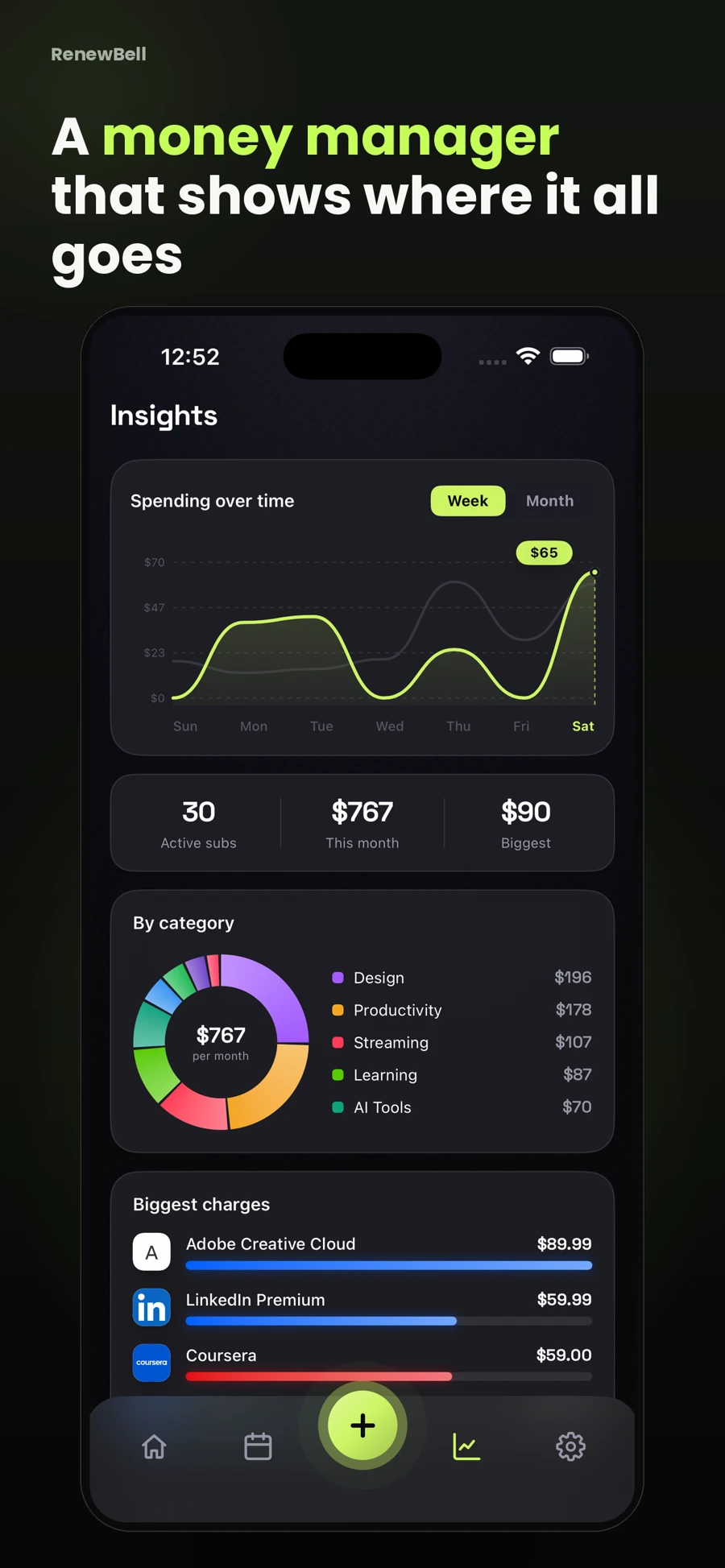
RenewBell's spending view organizes the records you add. It does not move money, pay bills or decide which essential services you should give up. Keep it accurate with a short weekly check of upcoming payments and a monthly comparison with actual charges.
App screens and worked amounts are illustrative. They do not represent current provider prices or verified customer savings.