Choose a subscription receipt or screenshot
Use an image where the service, amount and relevant date are readable. Crop out unrelated private information before scanning when possible.
Have a receipt or a screenshot? Pro Smart Scan helps turn the visible subscription details into an entry you can review.
Download on the App StoreFree download. Optional in-app purchases. iOS 17+.
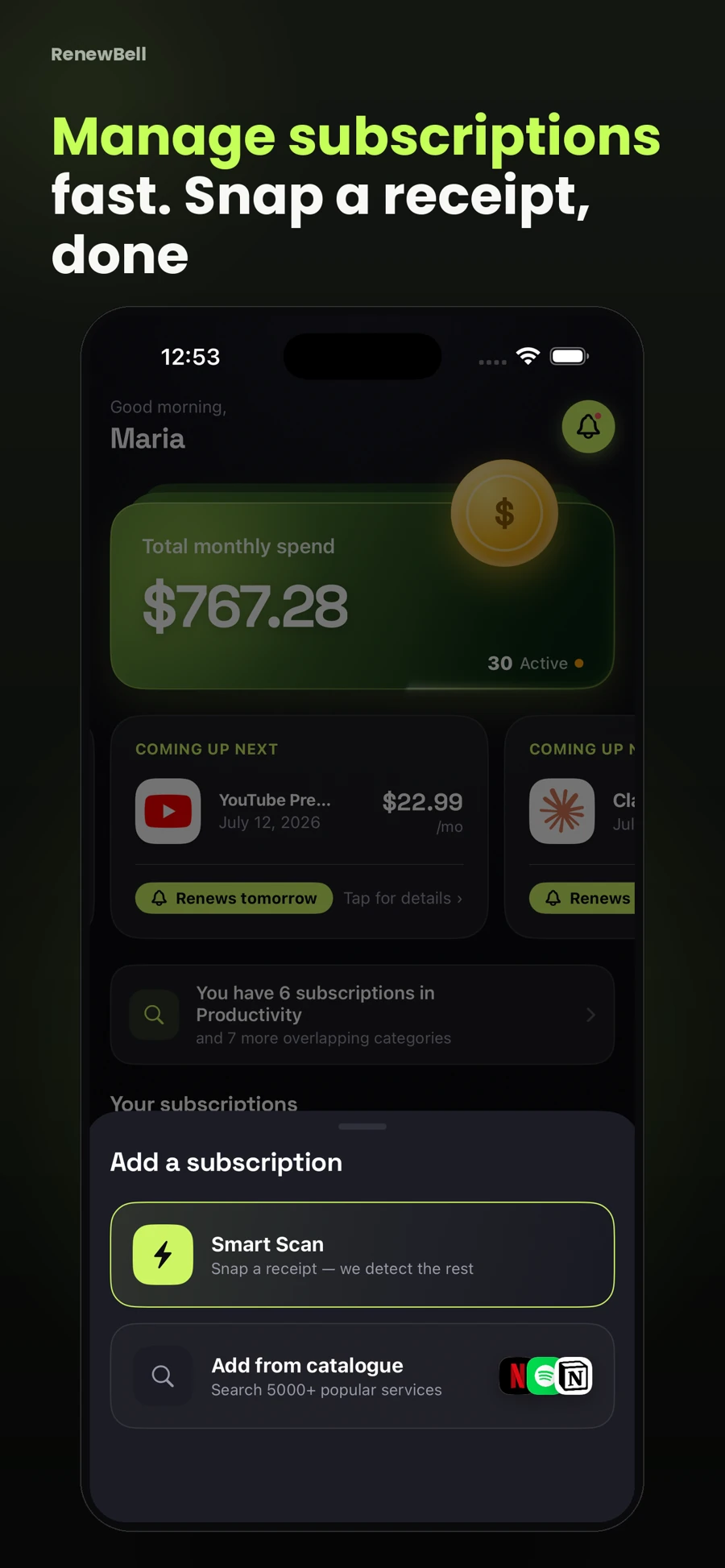
Use an image where the service, amount and relevant date are readable. Crop out unrelated private information before scanning when possible.
Optical character recognition and AI can misread an amount, billing cycle or date. Check every field against the original receipt before you save a subscription.
The release materials describe on-device text recognition followed by remote AI extraction through the app’s service. It is not an entirely on-device AI workflow.
A past receipt is evidence of a past charge. Confirm the current cycle and next date with the provider; do not assume the receipt alone proves a future renewal.
Smart Scan is a Pro feature with fair-use limits. It does not automatically scan your email, connect to your bank or guarantee extracted details are correct.
App screenshots contain illustrative values and do not show current merchant pricing or verified customer results.
Keep your subscriptions in view, with reminders before the next charge.
Download on the App StoreFree to download · Optional in-app purchases · iOS 17+ Catch the
Continue with the task that matters next, from a practical guide to a relevant app feature or free resource.