Add recurring bills and payment dates
Record rent, a gym membership, insurance or another recurring bill with its price, billing cycle and next due date. Check variable amounts before using a total for your budget.
Subscriptions are only part of the picture. Add regular bills alongside your plans to see the costs and dates you have recorded in one place.
Download on the App StoreFree download. Optional in-app purchases. iOS 17+.
Record rent, a gym membership, insurance or another recurring bill with its price, billing cycle and next due date. Check variable amounts before using a total for your budget.
A monthly equivalent helps compare billing cycles. A due date tells you when money is expected to leave. These are useful but different views of the same record.
RenewBell does not need a bank connection. That also means it does not automatically discover every charge or reconcile a bank balance. Add and update the details you want to track.
Collect your bills in the free workbook first. It includes blank input sheets and clearly separated illustrative examples. Move the recurring records you want reminders for into the app.
RenewBell tracks recorded recurring bills. It does not pay bills, negotiate with providers or automatically verify that a payment has cleared.
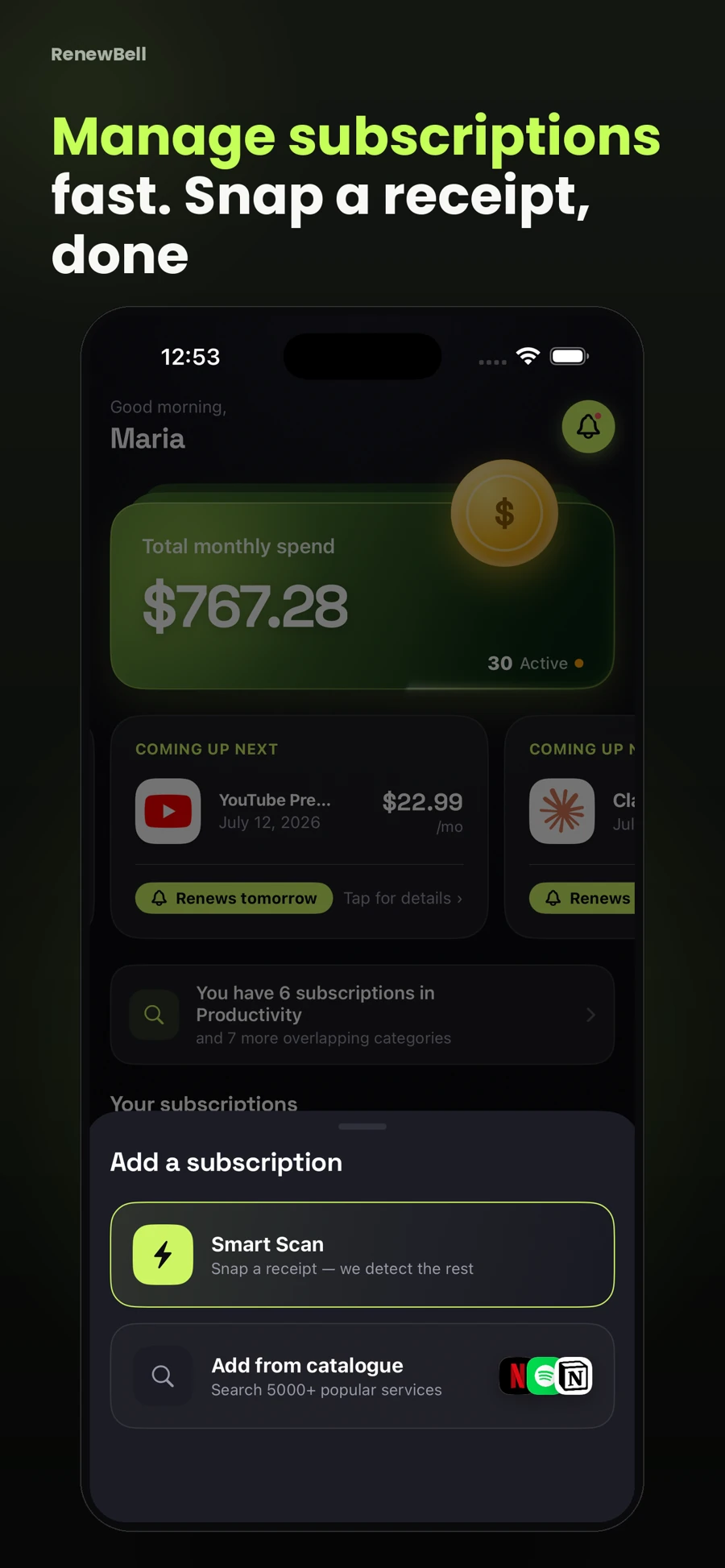
App screenshots contain illustrative values and do not show current merchant pricing or verified customer results.
Keep your subscriptions in view, with reminders before the next charge.
Download on the App StoreFree to download · Optional in-app purchases · iOS 17+ Catch the
Continue with the task that matters next, from a practical guide to a relevant app feature or free resource.