Cancel a subscription with the billing provider
Use the appropriate merchant, App Store or billing platform and confirm the subscription has been cancelled. Marking it cancelled in RenewBell is a record, not a cancellation request.
When you cancel a plan, keep a record of that decision. RenewBell helps you see the annualized cost you chose to stop paying.
Download on the App StoreFree download. Optional in-app purchases. iOS 17+.
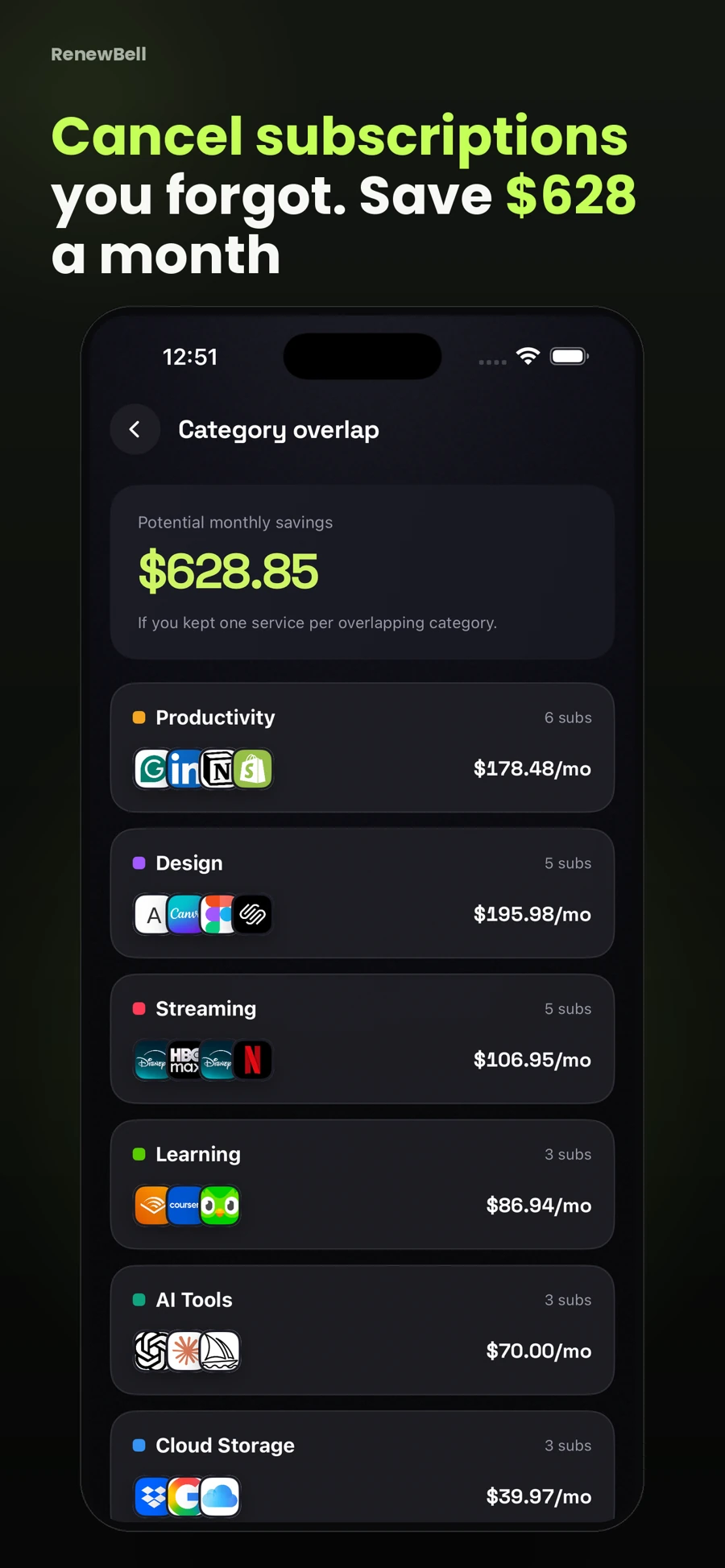
Use the appropriate merchant, App Store or billing platform and confirm the subscription has been cancelled. Marking it cancelled in RenewBell is a record, not a cancellation request.
The current release materials describe an “I cancelled it” action and a yearly savings view. Keeping a record can make your next review more informed.
A recorded $10 monthly cancellation represents $120 in annualized cost, if that plan would otherwise have continued at that amount. It is not $120 already returned to a bank account.
Pro savings history includes restore according to the supplied release materials. Restoring a record does not resubscribe you to the merchant’s service.
Projected savings depend on recorded amounts and assumptions. No guaranteed saving, refund, merchant cancellation or cash recovery is implied.
App screenshots contain illustrative values and do not show current merchant pricing or verified customer results.
Keep your subscriptions in view, with reminders before the next charge.
Download on the App StoreFree to download · Optional in-app purchases · iOS 17+ Catch the
Continue with the task that matters next, from a practical guide to a relevant app feature or free resource.