
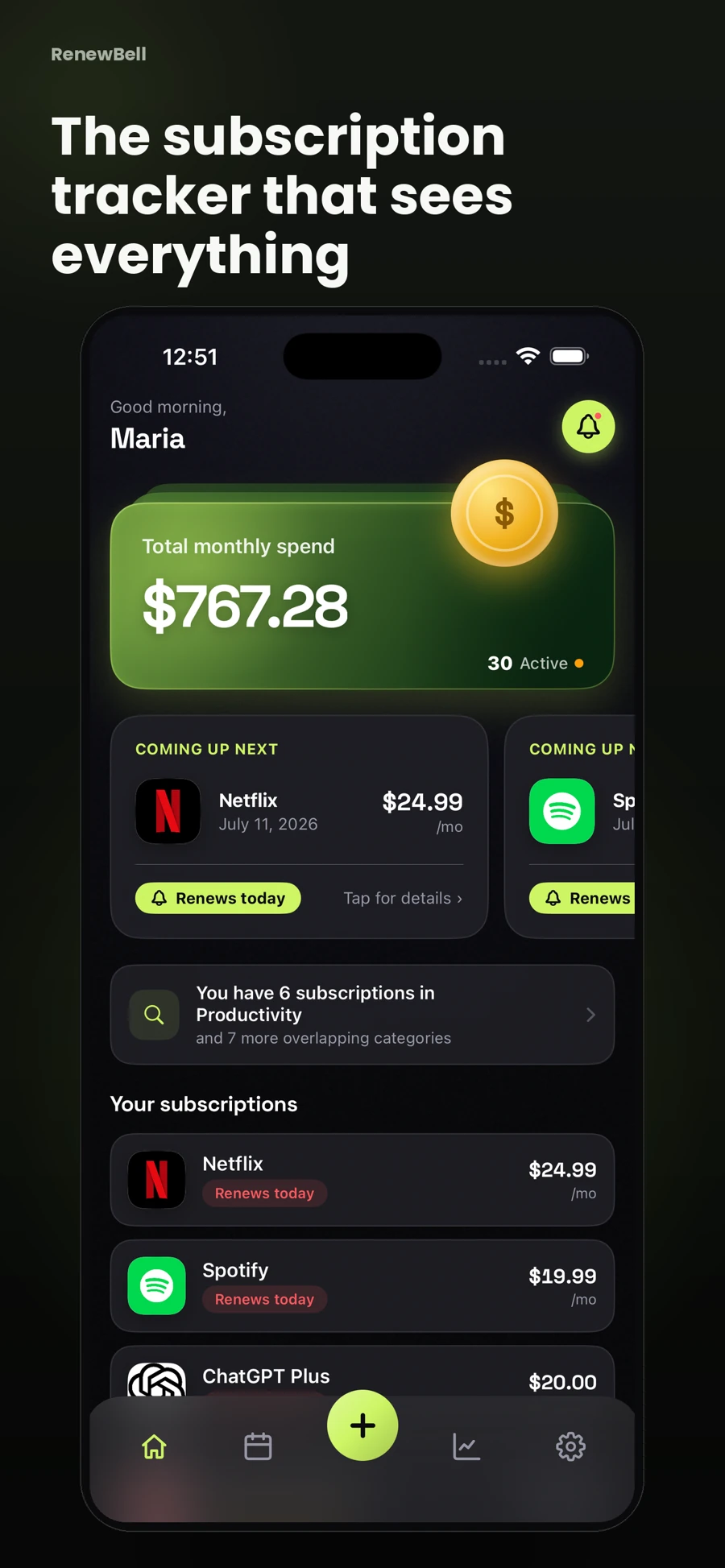
Start your weekly subscription review with upcoming renewals
Open the next week or two of renewals. Look for trials, annual plans and anything you already intended to cancel. A familiar monthly charge may need only a quick check. A large annual renewal may require time to review stored data, move to a different plan or speak with the provider.
The RenewBell calendar helps you review the dates recorded in the app. It is not a live view of your bank account. If a renewal date is still a guess, verifying it is the task for this review, rather than postponing the question until an alert arrives.
Use three decisions for each upcoming plan
- Keep: the plan is useful and the next price and date are correct.
- Change: check a different tier, billing period or timing before renewing.
- Cancel: complete the provider's process and retain confirmation.
“Unsure” is acceptable if it comes with a specific next action. Write “check whether storage can be exported by Thursday,” rather than “deal with later.” A decision that needs another person's input should have enough time for that conversation.
Check one source of new information
Look at recent receipts or your own payment activity for changes that affect the list. You are checking whether a recorded price changed, whether a new trial became paid, and whether a cancelled service still appears as active at the provider. Do not assume that a clean-looking tracker proves no other charges exist.
If you spot an unfamiliar merchant name, save it for the manual audit process. Identifying a charge is more useful than assigning it to the closest recognizable logo. A different name can represent a billing company, another account or something that is not a subscription at all.
Correct the record while the evidence is open
Update the amount, currency, billing cycle or next date immediately after confirming it. A plan switched from monthly to annual should not remain as two active subscriptions unless both arrangements are actually being charged.
For example, suppose a fictional plan moves from $12 monthly to $108 yearly. The annual equivalent falls from $144 to $108, but the next payment becomes $108 at once. Record the annual cycle and confirmed next date, then check the cost comparison. Neither the smaller equivalent nor the app's display changes your payment agreement.
Review reminder settings after a change
Check that the alert leaves room to act. A plan you can cancel online may need a different buffer from one requiring an export or a support request. Permissions, operating system and the app's current feature tier affect reminders; test the settings you intend to rely on.
RenewBell offers subscription reminders, with advanced alarms under its current Pro offer. Real AlarmKit alarms require iOS 26 or later and permission; earlier supported systems use notifications. Keep a separate record of any provider cancellation deadline.
Leave a small, clean next step
Finish by checking that no pending decision has vanished into a vague note. Save any cancellation confirmation, update its tracking record, and keep the next review time. Marking an item cancelled in RenewBell records your decision; it does not contact the provider.
If you have never assembled a complete list, start with the subscription tracking guide instead. A weekly routine works best once the underlying records are reliable.
App screens and worked amounts are illustrative. They do not represent current provider prices or verified customer savings.