
Build a subscription tracking list
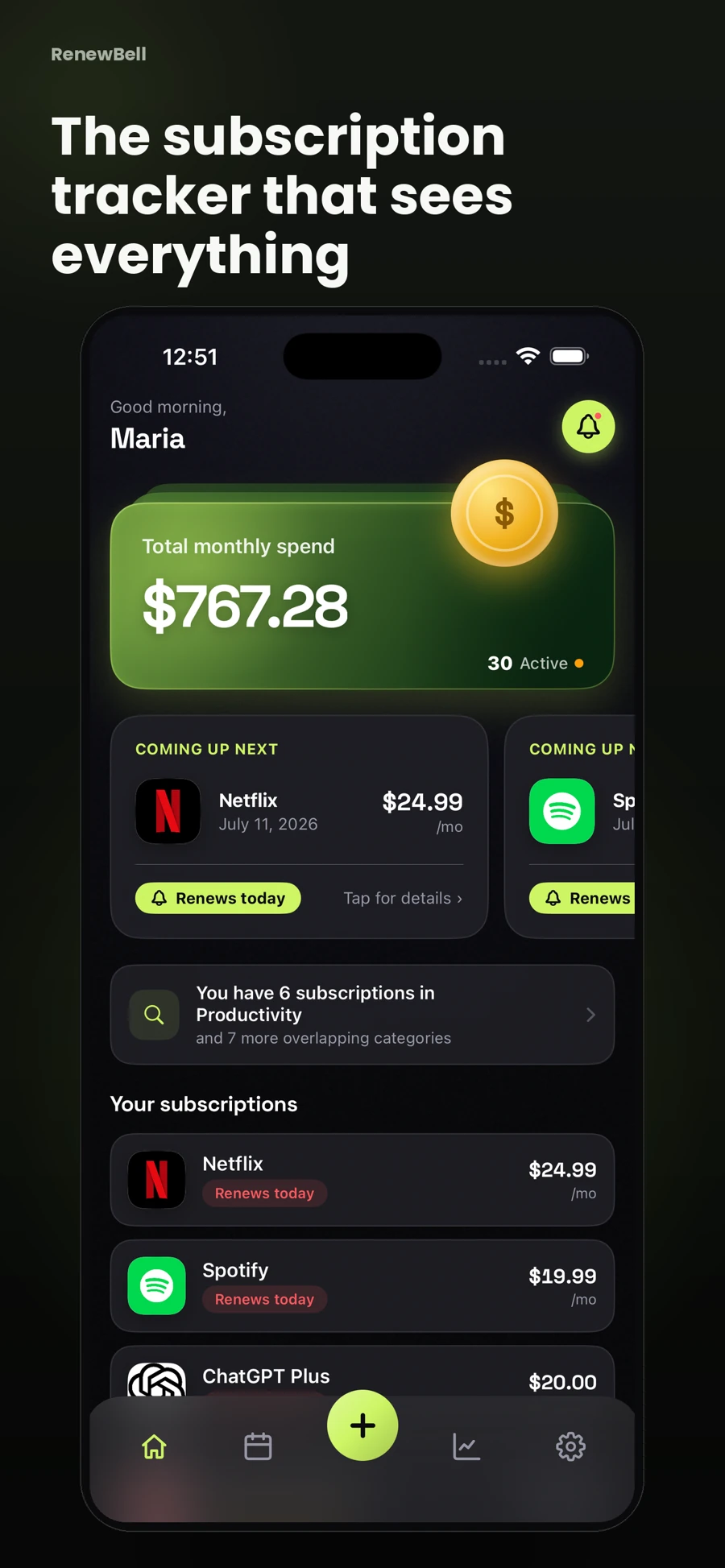
Choose a home for the list before you collect everything. A subscription tracker template is a practical starting point if you want a visible worksheet. RenewBell adds a renewal calendar and reminders to the records you enter. You do not need to connect a bank account, although the app does require Sign in with Apple and uses cloud sync.
Give each service one row. Record its name, amount, currency, billing cycle, next renewal and where you manage it. That last field matters: a streaming service bought through Apple is a different cancellation route from the same service bought directly from its website.
Keep the charge and the monthly equivalent separate
A monthly equivalent makes different plans easier to compare. It does not change what will leave your account. An illustrative $120 annual plan equals $10 a month for comparison, but it still produces a $120 renewal charge. A $12 monthly plan costs $144 across 12 unchanged payments.
| Illustrative service | Actual charge | Monthly equivalent | Next action |
|---|---|---|---|
| Cloud storage | $120 yearly | $10 | Review before annual renewal |
| Music | $12 monthly | $12 | Check plan still fits |
| New trial | $0 now, $9 monthly after trial | $9 after trial | Decide before first charge |
These are example amounts, not current provider prices. Use the subscription-cost calculator to compare your own billing cycles. Keep taxes, currency differences and promotional prices visible instead of treating every amount as a permanent rate.
Verify dates before you add reminders
Open the latest receipt or the provider's billing page. Note the next charge date and any cancellation deadline. If you only remember when you signed up, mark the date as unverified until you check. An annual renewal can move after a plan change, a pause or a different billing arrangement.
For a trial, record the first paid amount as well as the end date. Review whether ending the trial early also ends access immediately. The service's current terms determine that behavior; a generic tracker cannot decide it for you.
Put the decision before the charge
A reminder should reach you while you can still do something useful. An expensive annual plan may deserve an earlier review than a low-cost monthly service. Leave enough time to compare plans, export data or contact the provider if cancellation is unclear.
RenewBell's renewal reminders use notifications, with advanced alarms available under the app's current Pro offer. Real AlarmKit alarms require iOS 26 or later and the relevant permissions; older supported systems use notification fallback. Check alert settings rather than assuming every reminder will sound the same way.
Review the list after something changes
When a receipt shows a new price, edit the record. After switching a billing cycle, replace the old date rather than keeping two active rows for the same plan. If you cancel, first complete the provider's process and keep the confirmation, then mark the record cancelled in your tracker.
Set a short weekly review for nearby renewals and a fuller monthly check against actual charges. Tracking is an ongoing record of decisions, not a one-time import. The manual subscription audit helps you fill the gaps once your first list is in place.
App screens and worked amounts are illustrative. They do not represent current provider prices or verified customer savings.