
Find subscription records in receipts and statements
Start with your own payment statements, receipt inboxes and subscription settings. List which accounts you have checked so you do not confuse an empty result with a complete audit. A second email address or an older payment card can explain a service that never appears in your main inbox.
Choose a review period long enough to include annual plans where your available records allow it. A single month's statement can reveal monthly charges while missing something billed once a year. If you have only a few months of records, write down that limitation and expand the review later.
Look at Apple-billed subscriptions separately
On an iPhone, open Settings, select your name and open Subscriptions. This is the list for the Apple Account you are using. It does not replace a review of services billed directly by a merchant. If a receipt points to another Apple Account, you need to check that account separately.
Apple recommends checking receipts and payment statements when a subscription cannot be found. Our iPhone subscription guide explains the distinction between the service you use and the company that bills you.
Turn a charge into a verified record
For each recurring-looking charge, identify the provider before deciding what it means. The merchant descriptor on a statement can differ from the product name you recognize. Open the provider's official billing page or your purchase receipt to confirm the plan, amount and renewal schedule.
| Evidence | What to record | What still needs checking |
|---|---|---|
| Card statement | Merchant, date and amount paid | Plan name and next renewal |
| Receipt | Service, billing account and charge | Whether it remains active |
| Provider account | Current plan and next billing date | Whether another account has a second plan |
Keep an “unverified” note if the evidence is incomplete. Do not add a guess to a yearly total and treat it as a confirmed obligation. The goal is an accurate list, not the largest possible number of subscriptions.
Separate duplicates from useful overlap
Two charges from one provider may represent different accounts or a plan change rather than an accidental duplicate. Conversely, differently named services may do the same job. Group records by purpose, such as music, video, storage or software, and ask which ones you still use.
For an illustrative example, a $15 monthly video plan and a $10 monthly video plan total $25. That arithmetic does not prove either is wasteful. Check viewing needs, household use and cancellation terms before making a change. Keep essential bills distinct from optional subscriptions.
Record first, then set the next action
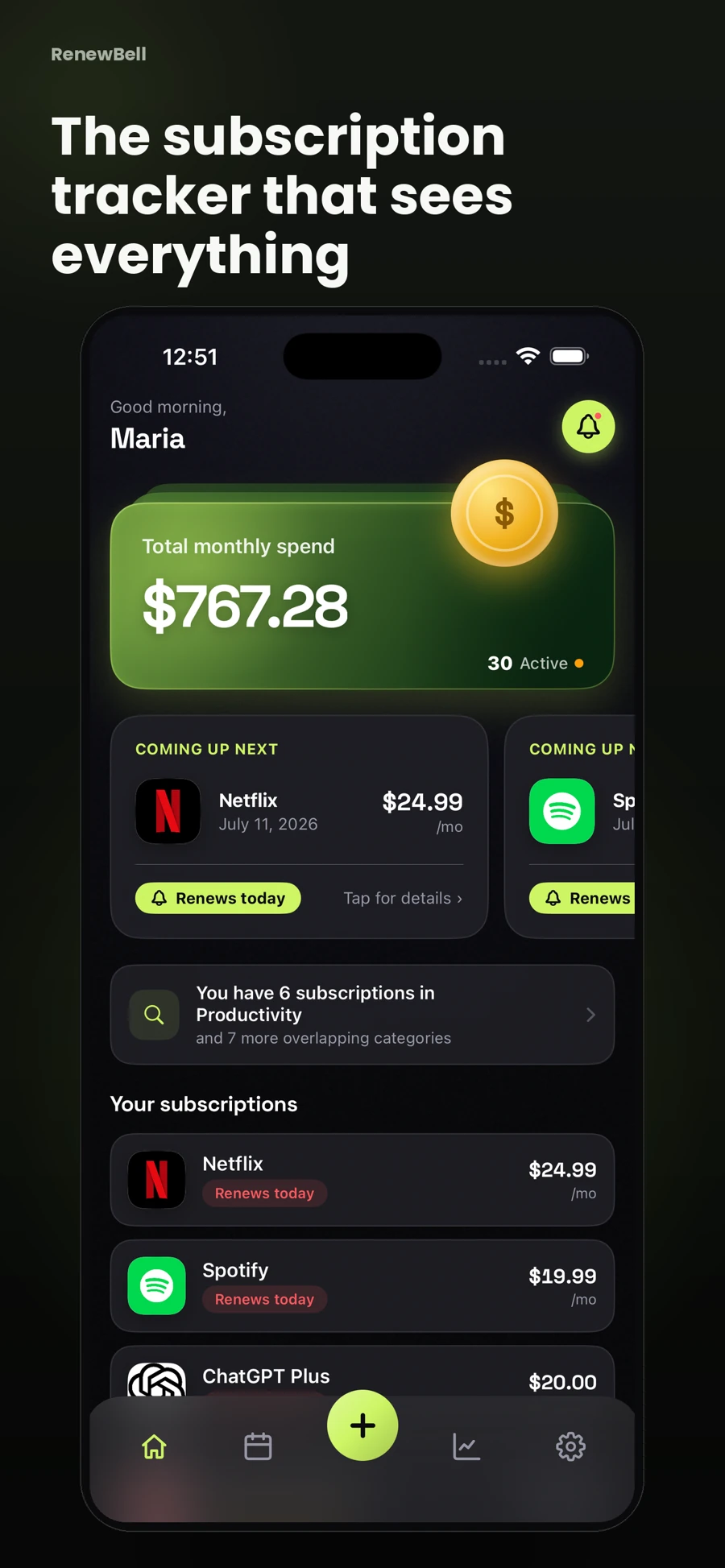
Save verified services in the subscription tracker template or in RenewBell. The app records the details you enter and offers receipt or screenshot extraction through Smart Scan under its Pro offer. Review any extracted values before saving.
RenewBell does not search your bank account or automatically discover every subscription. No bank login is required, but account sign-in and cloud sync are part of the app. A scan is a way to help enter evidence you provide, not proof that the audit is complete.
Once the list is verified, add reminders for the next renewal and any earlier decision deadline. Complete cancellations with the billing provider and retain confirmation. Repeat a smaller audit when you change cards, switch an email account or notice a charge you cannot explain.
App screens and worked amounts are illustrative. They do not represent current provider prices or verified customer savings.