
Find subscriptions in your Apple Account settings
Open Settings on your iPhone, tap your name, then select Subscriptions. Choose the plan you want to inspect. Check the available billing information and controls in that subscription's current screen rather than relying on an old receipt alone.
If you want to cancel an Apple-billed plan, use its Cancel Subscription control and follow the confirmation flow. Apple notes that a missing cancellation button or a red expiration message can indicate the plan is already cancelled. Keep the confirmation and check the displayed status afterward.
If the service is missing, check who bills you
A service can work on your iPhone without being purchased through Apple. A video plan started on the provider's website, for example, may need to be managed there. Search your own receipts and inspect the merchant information on your payment statement before choosing a cancellation route.
A different Apple Account can also explain a missing record. Check which account appears on the receipt. If the subscription belongs to a family member, that account holder may need to manage it. Avoid creating a second subscription simply because the first one is not visible in the account you opened.
| Where the plan was billed | Where to start | What a tracker adds |
|---|---|---|
| Apple / App Store | Apple Account subscription settings | A separate renewal record and reminder |
| Provider website | Provider's official billing account | Due dates alongside other services |
| Another provider or carrier | The company shown on the receipt | A note of the correct management route |
Write down the next charge, not only the current price
For a plan you intend to keep, record the amount, currency, billing cycle and next renewal. If it is a promotion or trial, also note the amount that applies afterward. A low introductory price is not a reliable number for next year's spending plan.
An illustrative $96 annual subscription can be compared as $8 a month, but the account still needs to cover a $96 renewal. Our subscription-cost calculator separates those equivalent totals from the way a plan is actually billed. Example values on this site are not provider price quotes.
Use reminders as a decision window
Put an alert before the point when you need to act. A trial may have a cancellation deadline before its visible end date. Read the current terms and give yourself time to follow the correct process. Do not wait for a last-minute alert if losing access, exporting data or contacting support would take longer.
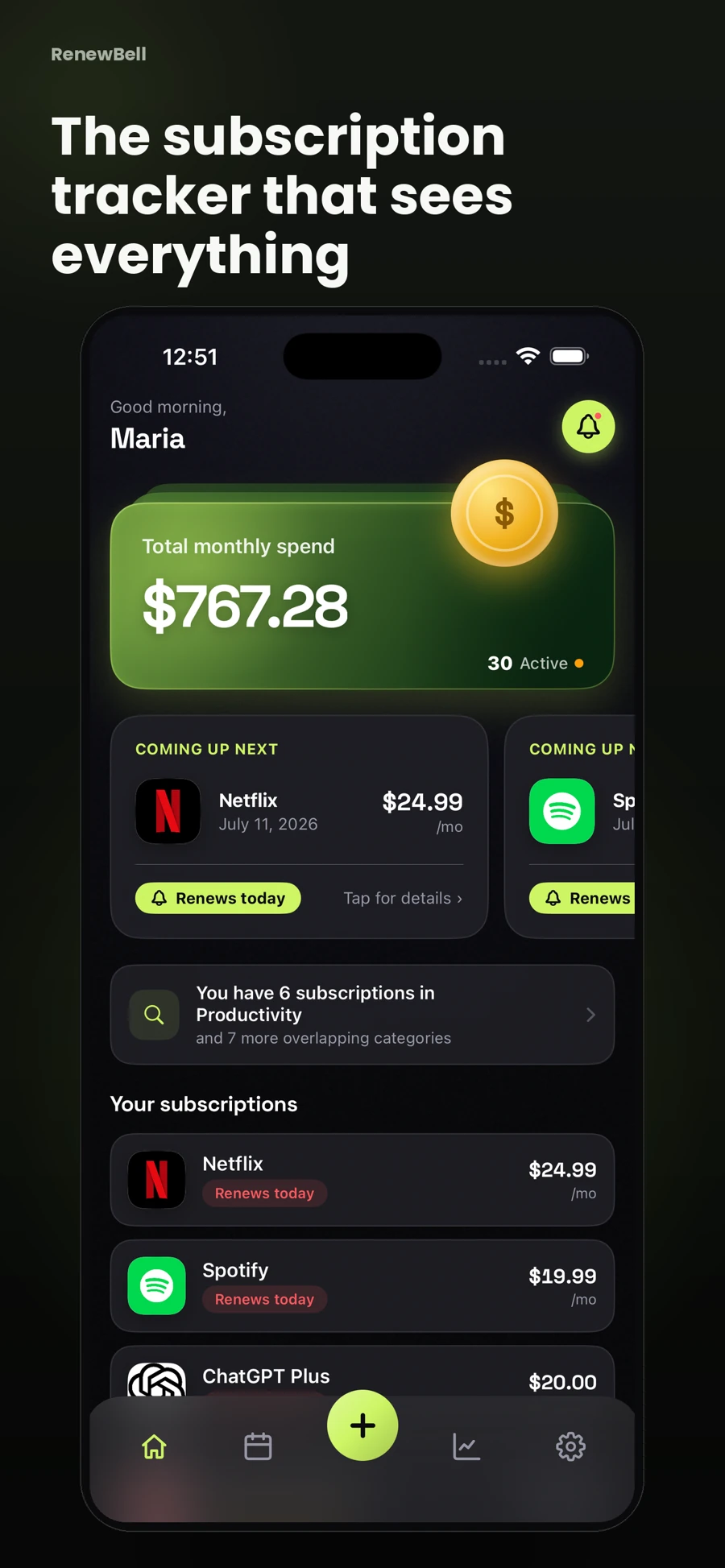
RenewBell brings manually recorded subscriptions and bills into one view. Its renewal calendar can make an annual charge easier to notice alongside monthly plans. It does not automatically import your Apple subscription list or cancel services on your behalf.
Keep the tracker and the provider in agreement
After a plan change, confirm the new price and billing date at the provider, then update your record. After cancelling, retain the provider's confirmation before marking the item cancelled in RenewBell. Deleting a tracking record has no effect on the merchant's agreement with you.
For a complete inventory, continue with the manual subscription audit. Apple settings answer one billing question; receipts, statements and direct accounts fill in the rest. This gives you a more dependable list than treating any one screen as universal.
App screens and worked amounts are illustrative. They do not represent current provider prices or verified customer savings.