
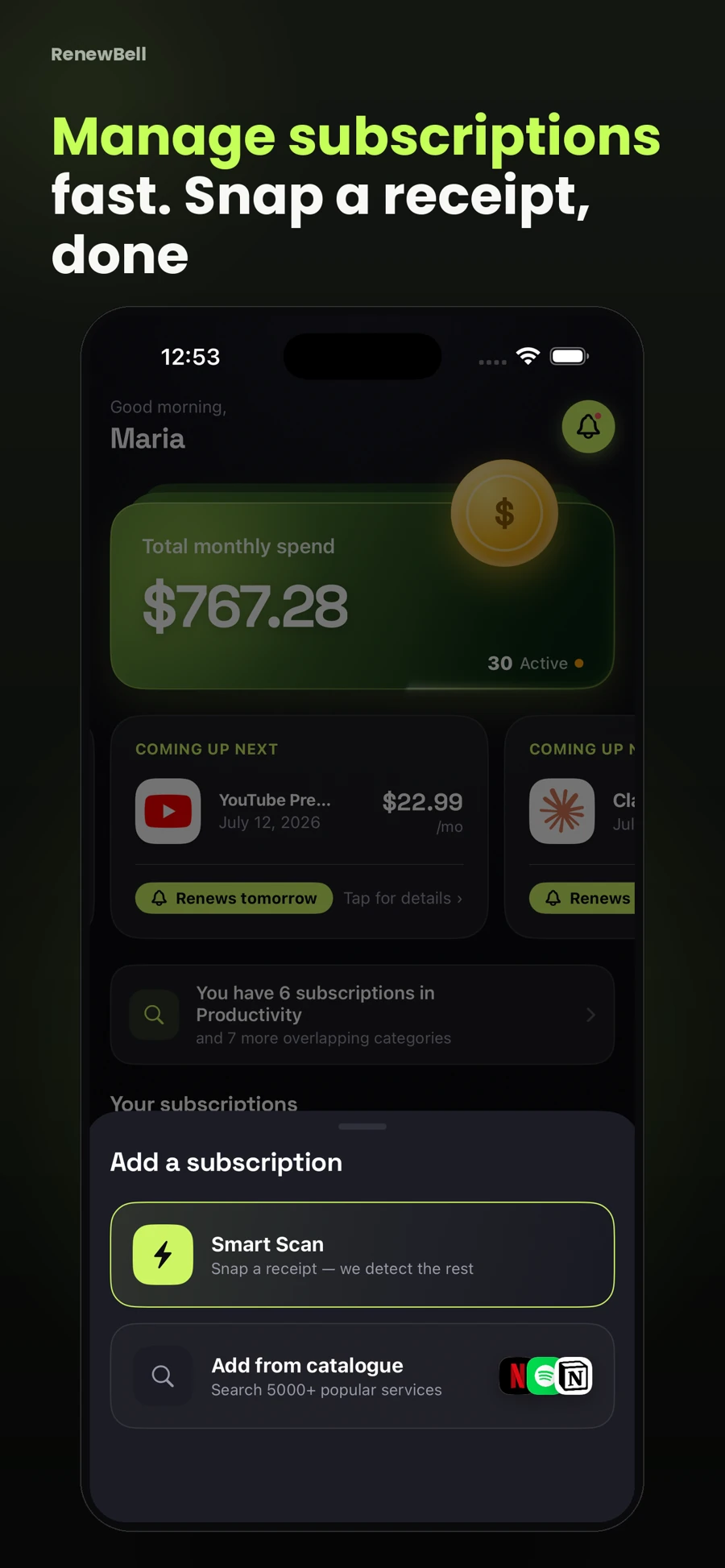
Choose a receipt for the subscription you want to track
A clear receipt or billing screenshot is more useful than an advertisement. An offer page may show a trial price or a choice of billing periods without proving which plan you bought. Keep that distinction in mind before treating extracted text as an active subscription.
RenewBell's Smart Scan uses on-device text recognition followed by remote AI extraction through the app's service. It is a Pro feature subject to current usage limits. It does not read your entire inbox, connect to a bank or automatically discover everything you pay for.
Check the service name and account
Confirm that the record represents the service you intended to add. A receipt can contain a merchant company name, payment processor and product name in the same image. The most prominent text is not always the clearest name for your tracking list.
If you already have that service recorded, compare the account, billing cycle and current plan before creating another row. A new receipt may be evidence for updating an existing subscription rather than adding a second active one.
Read the amount with its context
Look for subtotal, tax, discounts, credits and amount paid. A scan may encounter several plausible numbers. Keep the amount and currency together. A dollar symbol alone may not identify which country's currency the document uses.
| Receipt field | Review question |
|---|---|
| Amount paid | Is this the recurring amount or a one-time adjusted charge? |
| Discount | Does it expire before the next renewal? |
| Tax | Is it included in the amount you intend to track? |
| Currency | Does the record match the original document? |
For example, a fictional receipt showing a $20 plan with a $5 credit may show $15 paid today. That does not establish that the next recurring price is $15. Check the plan's current billing terms before using today's adjusted amount for future spending.
Verify cycle and date separately
A date printed on a receipt can be the issue date, payment date or service-period boundary. It may not be the next renewal. An ambiguous numeric date also needs attention: the same digits can be read in different day/month orders.
Check the billing period explicitly. A $72 annual charge and a $72 monthly charge produce very different comparisons. If the receipt does not establish the next date or cycle, check the provider account and mark uncertain details as unverified until you can confirm them.
Keep the source and the tracking record distinct
The original receipt proves what it says about that transaction. Your tracking record describes the ongoing plan as you understand it now. After a price or cycle changes, the old receipt remains valid historical evidence but the active record needs new details.
Review scan inputs before sending them. Avoid including unrelated sensitive information when a more focused receipt or billing screenshot would answer the task. Check the app's current privacy information to understand how scan processing and account sync work; “no bank login” is not a claim that every step stays on your device.
Set the reminder only after confirming the details
Once the record is accurate, choose a reminder that leaves time to decide before renewal. The subscription tracking guide explains the fields worth keeping and how to handle annual equivalents.
For a larger cleanup, use the manual audit checklist. Smart Scan can help enter a document you provide; it cannot prove that all your accounts have been checked.
App screens and worked amounts are illustrative. They do not represent current provider prices or verified customer savings.