
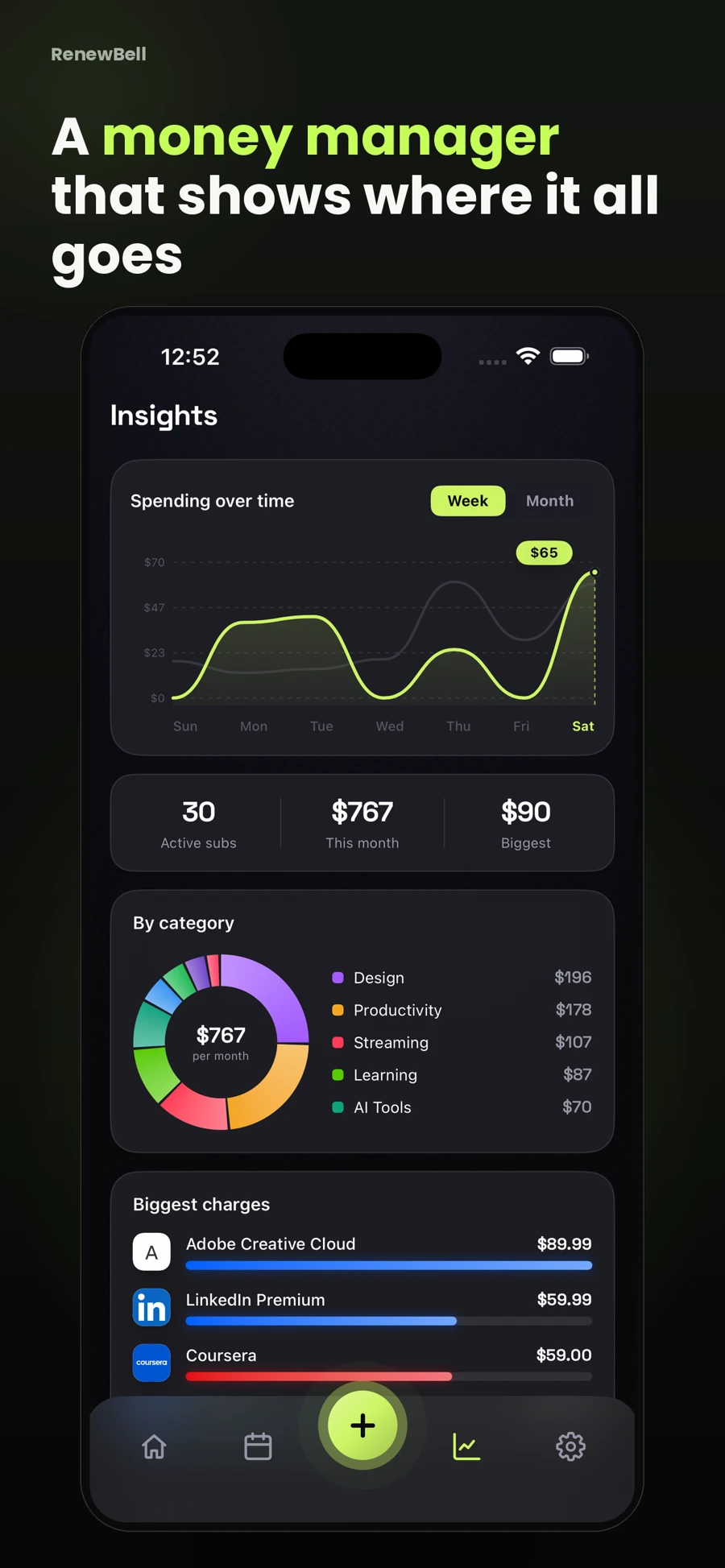
Track the annual charge and its monthly equivalent
Record the price charged per year and its monthly equivalent. For an illustrative $144 yearly plan, the equivalent is $12 per month. You are not being offered 12 payments simply because a chart displays that number. The provider may charge $144 on the renewal date.
Label the monthly figure as an equivalent in a subscription worksheet. This avoids comparing $12 monthly with $144 annually as though the plan names alone tell you which is cheaper. Check the same features, taxes and conditions before making a plan comparison.
Do not assume the renewal is the original price
An introductory offer, a previous discount or a changed plan can make an old receipt a poor estimate of the next charge. Open the provider's current billing details when you review the renewal. Write down any uncertainty instead of silently treating last year's amount as guaranteed.
For example, a fictional first-year offer of $60 may renew at $96. The next annual charge is $36 higher, and its monthly equivalent is $8 rather than $5. That difference comes from the example, not a claim about a particular provider. Use your own current offer details.
Separate a review date from a renewal date
A renewal reminder should allow enough time to make a choice. Consider what the choice involves: checking usage, comparing tiers, discussing household access or exporting files before closing an account. These tasks often matter more than a reminder's exact label.
If your renewal is approaching and a cancellation deadline is stated separately, keep the earlier deadline visible. An alert is not a substitute for the provider's terms, and postponing a decision may leave less room to complete the required steps.
Look for crowded renewal periods
Review more than one annual plan at a time. A storage renewal, an insurance payment and a software charge may fall in the same week even when their monthly equivalents look manageable. A single total can hide that timing.
The RenewBell calendar shows the renewal dates recorded in your app. Use it alongside the recurring-expense budgeting guide to distinguish an expense comparison from a plan for when bills arrive. RenewBell does not reserve funds or make the payments.
Review fit before comparing discounts
A lower annual price is only useful if the commitment suits you. Ask whether you expect to use the service across the paid period, what changes if you stop using it, and whether a cheaper tier would meet the same need. Do not let a calculated saving replace that decision.
| Question | What to check |
|---|---|
| Is the amount current? | Provider billing screen and renewal notice |
| Does the plan still fit? | Features and actual need, not only the discount |
| Can I change it? | Provider's plan-change and cancellation terms |
| Is my record correct? | Cycle, currency, date and reminder settings |
Update the record after the decision
If you keep the plan, confirm its next charge. If you switch cycles or tiers, replace outdated details. If you cancel, complete the provider's process and save the confirmation before marking it cancelled in RenewBell.
Use the cost calculator for the arithmetic and the app's renewal reminders for the next decision. Neither changes the underlying subscription agreement.
App screens and worked amounts are illustrative. They do not represent current provider prices or verified customer savings.